Your company’s moneyunder control every day
Management accounting and treasury on top of 1C, A3.Accounting or another accounting system. Reporting, budgets, a daily cash forecast and payment approval without replacing bookkeeping or entering data twice.

- 27features already working in the application
- 5countries: Kazakhstan, Russia, Kyrgyzstan, Uzbekistan, Mongolia
- 6interface languages
- 1exchange contract for any accounting system
Questions the product answers every day
Accounting tells you what happened. The finance team and the owner need to know what will happen, who is responsible and whether the numbers can be trusted.
- Will the money last until month end?A balance forecast for every day ahead shows the date and amount of a shortfall in advance.Cash gap forecast
- Who approved this payment?Money goes out only against a request, and the route and decision history are kept.Approval routes
- Where are we going over budget?Plan versus actual by item and responsibility center, with limits right in the payment request.Income and cash flow budgets
- How much did the group earn as a whole?Consolidation without intragroup turnovers, in one currency, with ownership shares.Group consolidation
- Who owes us and what is already overdue?Receivables by aging, provisions, reconciliation statements and handover to lawyers.Receivables and payables
- Can we trust these numbers?Reconciliation with the accounting system by turnovers and balances after every exchange.Data sources and mapping
A payment’s path from request to bank
No payment goes out without a basis, checks and a signature. The treasurer sees the day’s queue, and the manager approves from a phone.
- 1
Request
The initiator enters the amount, counterparty, budget item and contract.
- 2
Checks
New counterparty, amount near the threshold, similar request, remaining budget.
- 3
Approval
Route by amount and item, quorum, substitutes, a decision in two taps.
- 4
Register
Approved requests are collected into a register for the payment date.
- 5
Bank
One file for the bank client, a paid mark and reconciliation with the statement.
Three ways to connect
The product works on top of any accounting system. The connection method depends only on what the company already uses.
- Synchronization
1C or another external system
Chart of accounts and analytics mapping with ready templates for 1C in five countries. Data arrives in batches or as a file.
- Event subscription
A3.Accounting
Connected in one step. A transaction reaches analytics as it is posted, not the next day.
- No accounting system
No accounting system yet
An A3.Accounting account is created right from the product, and the bank statement is uploaded as a file. The cash flow statement is ready without accounting knowledge.
What the product does
Six sections of the application. Calculation of actuals stays in accounting, while planning, control and management add-ons live here.
Cash
What will happen to the company’s accounts in the coming weeks and whom the company owes.
Treasury
Who sends money out of the company and on what basis.
Reporting and analysis
What has already happened and what it means for the owner.
Planning
Budgets, forecasts and the management layer that bookkeeping lacks.
Data and sources
How accounting data gets in and why it can be trusted.
Control and risks
What should come to the manager’s attention before it becomes a problem.
The product does not keep the accounts, so the numbers can be trusted
The accounting system remains the source of truth. The product receives data, repeats every change after the source and proves by reconciliation that analytics matches the accounts.

- 1
Source
The accounting system remains the source of truth. There is no write-back to it.
- 2
Synchronization
Transactions are matched by source identifier: a repeated export creates no duplicates.
- 3
Projection
Its own double-entry register. Reversals and period closing follow the source.
- 4
Reconciliation
A report on discrepancies in turnovers and balances by account after every exchange.
- Imported data is available as read-only
- A deletion in the source is reflected as a reversal, not a deletion
- A period closed in the source is closed here too
- Management adjustments live in a separate layer
- The accounting method and register layer are labeled in the report header
- A report snapshot freezes the numbers at the moment of decision
See a cash gap before it happens
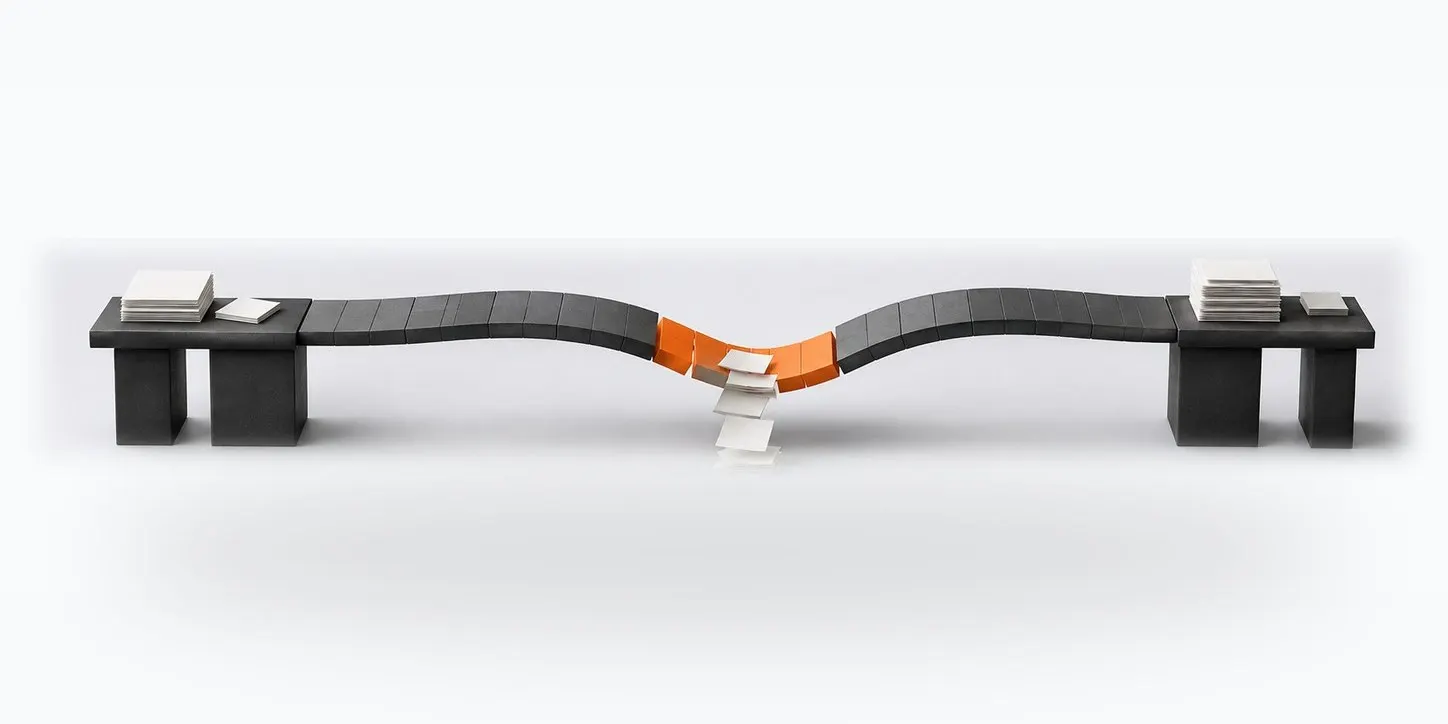
The balance for every day ahead is calculated from the payment calendar, requests and contract schedules. The alert comes in advance, with the shortfall amount and date.
- Mandatory payments kept apart from others when funds are short
- Scenario: what happens if a large receipt is delayed
- Tax and payroll funds with a target amount and a top-up rule
- An alert if balances in the source are out of date
For groups of companies
A combined cash position across all legal entities, consolidated reporting without intragroup turnovers and IFRS transformation from the same accounting data.
Ask in plain words
“How much did we earn in the third quarter?”
The AI assistant opens the profit and loss statement for the period you need. The model sees only the question, and the product calculates the numbers from the register.
How the assistant worksStart without a months-long implementation
The product comes with a ready methodology and templates, so the first reports are built on your data, not after a configuration project.
Methodology out of the box
Items, budgets and rules for the size of the company: small business, mid-sized business or holding.
Mapping templates
Ready mappings for standard 1C configurations in five countries and for A3.Accounting.
Demo data
Three companies in two currencies, so you can explore the product before connecting your own accounts.
“Getting started” wizard
Step-by-step setup of the organization, legal entities, data source and users.

Five countries, six languages
Currencies and national bank rates, working-day calendars for the payment calendar and typed identifiers differ by country. The storage region is set when the organization is created.
 Kazakhstan
 Russia
 Kyrgyzstan
 Uzbekistan
 Mongolia
Place in the A3 ecosystem
The finance function does not work alone: accounting data comes from A3.Accounting, sign-in and subscription go through A3.ID, and overdue receivables move to claims handling.
Connect analytics to the accounting you already have
Tell us which system you keep your accounts in. We will show the chart of accounts mapping, reconciliation report, payment calendar and payment path on your data.